Grade Analytics That Actually Tells You Something
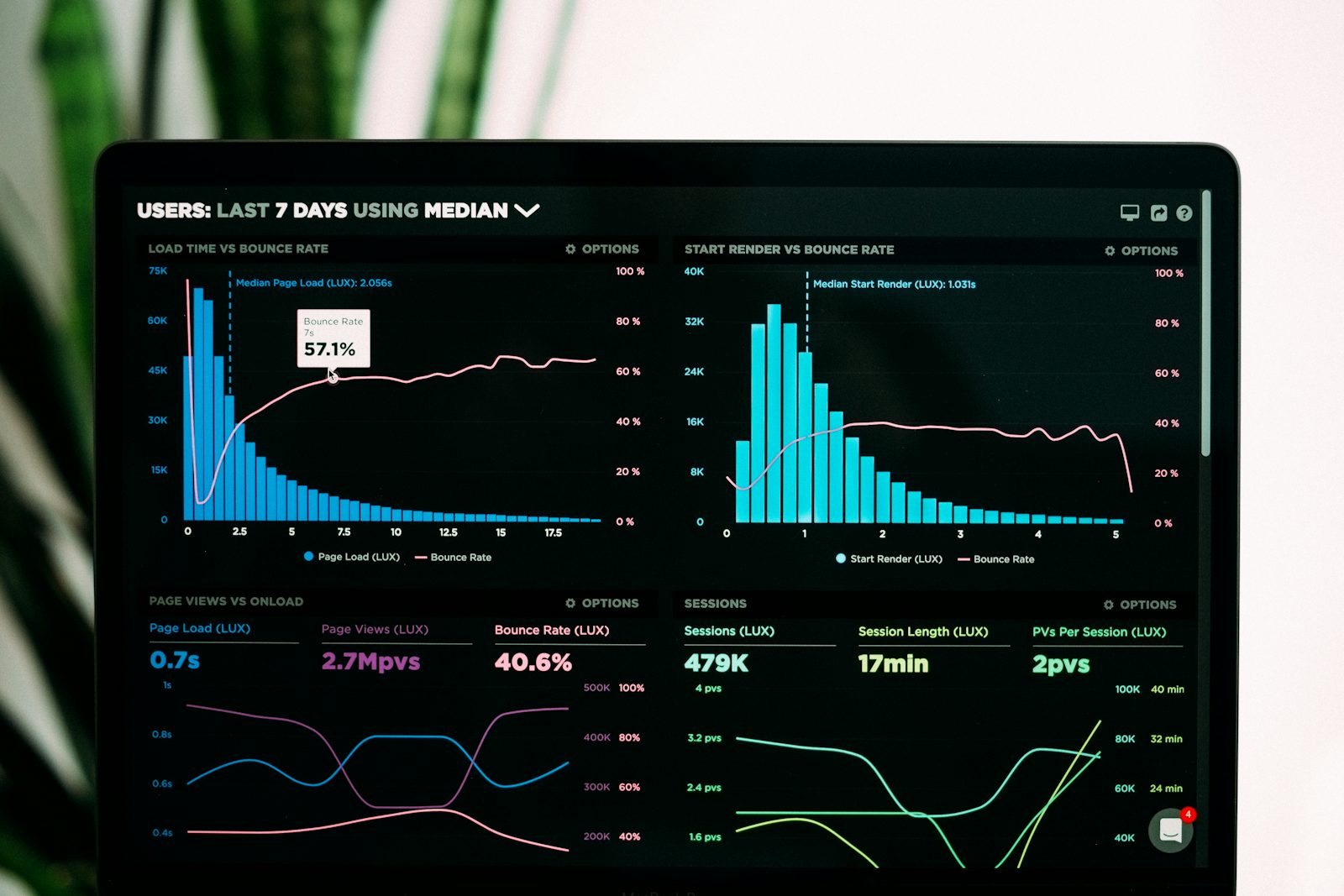
Photo: Analytics charts displayed on a laptop screen.
We're launching Grade Analytics — a new feature inside SchoolBench Pro that helps teachers see what's actually happening with student performance. Instead of staring at a gradebook full of numbers, you get clear signals: who's slipping, what concepts aren't sticking, and where to focus next.
- AI analytics can identify at-risk students weeks before traditional methods
- Data-driven grading reduces bias and improves consistency by up to 40%
- Automated grade analysis saves teachers an average of 5 hours per week
The Problem: More Data, Not More Clarity
Schools collect more student data than ever — grades, attendance, participation, assessment scores. But most of that data just sits there. A gradebook doesn't tell you why a student is struggling or whether your whole class missed the same concept. Teachers need answers, not more numbers:
- Which students are at risk of falling behind before it's too late
- What specific concepts students are struggling with across assessments
- How to personalize learning paths based on individual student needs
- Which teaching strategies are most effective for different student groups
What Grade Analytics Does
The analytics engine looks at assessment data across your classes and surfaces patterns that would take hours to find manually — or that you'd simply miss. Here's what it gives you:
1. Predictive Performance Alerts
The system monitors student performance trends and sends proactive alerts when it detects early warning signs. If a student's grade trajectory suggests they're at risk of failing, you'll know weeks in advance—giving you time to intervene.
Real Result: Lincoln High School reduced failing grades by 42% in the first semester using predictive alerts.
2. Learning Gap Identification
Our AI doesn't just tell you a student is struggling—it pinpoints exactly which concepts or skills need attention. By analyzing question-level performance across multiple assessments, it identifies specific learning gaps and recommends targeted interventions.
3. Personalized Learning Recommendations
Based on individual student performance patterns, the system suggests personalized learning paths, recommended resources, and differentiated instruction strategies. Teachers get actionable recommendations they can implement immediately.
4. Class-Wide Trend Analysis
See how your entire class performed on specific standards or learning objectives. If 70% of students missed questions on a particular topic, you know you need to re-teach that concept before moving forward.
How It Works
The analytics engine fits into your normal grading workflow — you don't need to change how you work:
- Automatic Data Collection: As you grade assignments and assessments in SchoolBench Pro, the AI automatically analyzes the results
- Pattern Recognition: Machine learning algorithms identify trends, anomalies, and correlations across thousands of data points
- Clear Summaries: The results are presented in dashboards that are readable at a glance — not raw numbers that need interpretation
- Proactive Alerts: You receive notifications when intervention is recommended, ensuring no student slips through the cracks
Privacy & Transparency
We've built AI-Powered Grade Analytics with student privacy as our top priority. All data is anonymized for analysis, complies with FERPA regulations, and stays within your secure SchoolBench Pro environment. You maintain complete control over your data—always.
Additionally, our AI explanations show you exactly why a recommendation was made, so you can make informed decisions based on transparent insights.
Getting Started
AI-Powered Grade Analytics is available now for all SchoolBench Pro Professional and Enterprise plan subscribers. To enable it:
- Navigate to Analytics → AI Insights in your dashboard
- Enable AI-Powered Analytics for your classes
- Start grading as usual—insights will appear automatically
Want to See It in Action?
Schools across 9 countries use SchoolBench Pro to track student progress. Book a demo and we'll walk you through exactly how Grade Analytics works.
What Educators Are Saying
"This has changed how I actually grade and plan lessons. Before, I'd finish marking a test and still not really know what to do next. Now I can see which questions tripped up the most students and go from there. I've caught kids who were falling behind much earlier than I would have before."
— Jennifer Martinez, 8th Grade Math Teacher
"I used to spend a Sunday every few weeks just going through spreadsheets trying to figure out where my students stood. That doesn't happen anymore. The reports pull everything together and I can actually act on what I see. Easily saves me five hours a week."
— Dr. Robert Chen, High School Principal
Coming Soon
We're continuously improving AI-Powered Grade Analytics. Here's what's on the roadmap:
- Student Growth Projections: Visualize projected student progress over time based on current trends
- Peer Comparison Insights: Anonymized benchmarking against similar student groups
- Automated Intervention Plans: AI-generated action plans with specific teaching strategies
- Parent-Friendly Reports: Automatically generated progress summaries for parent communication
Have questions about AI-Powered Grade Analytics? Our support team is here to help. Contact us at support@schoolbench.pro or visit our Support Center.